How to See Who Liked Your Facebook Page

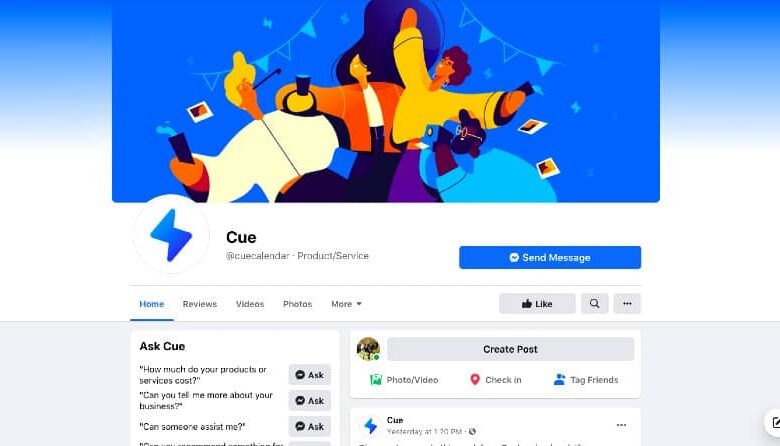
Growing a following on Facebook is essential for any business or individual who wants to reach a wider audience. But how do you know who’s actually liked your page? Facebook doesn’t make it easy to see a complete list of your page likes, especially if some people have chosen to hide their likes from the public.
In this article, we’ll show you how to see a complete list of your Facebook page likes, even if people have hidden them. We’ll also share some tips on how to use this information to grow your audience and engagement.
How to See Who Liked Your Facebook Page
To see a complete list of your Facebook page likes, follow these steps:
- Go to your Facebook page and click Settings in the top right corner.
- Click People and Other Pages in the left-hand column.
- Under People, click People Who Like This Page.
This will show you a list of all the people who have liked your page, regardless of whether they’ve hidden their likes from the public. You can also see the date and time when each person liked your page.
How to Use This Information to Grow Your Audience and Engagement
Once you know who has liked your Facebook page, you can use this information to grow your audience and engagement. For example, you can:
- Target your ads to people who have liked your page.
- Send messages to people who have liked your page, but haven’t interacted with your content in a while.
- Create content that is specifically tailored to the interests of the people who have liked your page.
- Run contests and giveaways for your page likes.
By using this information wisely, you can turn your Facebook page likes into a valuable asset for your business or brand.


